All guidesConstructionSheet 5.08
Prepare and sign acts
An act is filled in from the permit, the participants, the schedule and the progress; you check it, the people who sign it read it, and the signed paper or PDF is kept with it. Signing inside the app is not offered yet.
Give the signatories an email
In Acts and protocols, Participants and permit lists who signs the acts: the investor, the builder, the technical manager, the supervisor and the designers. A review link goes to the email given here.

Open the act
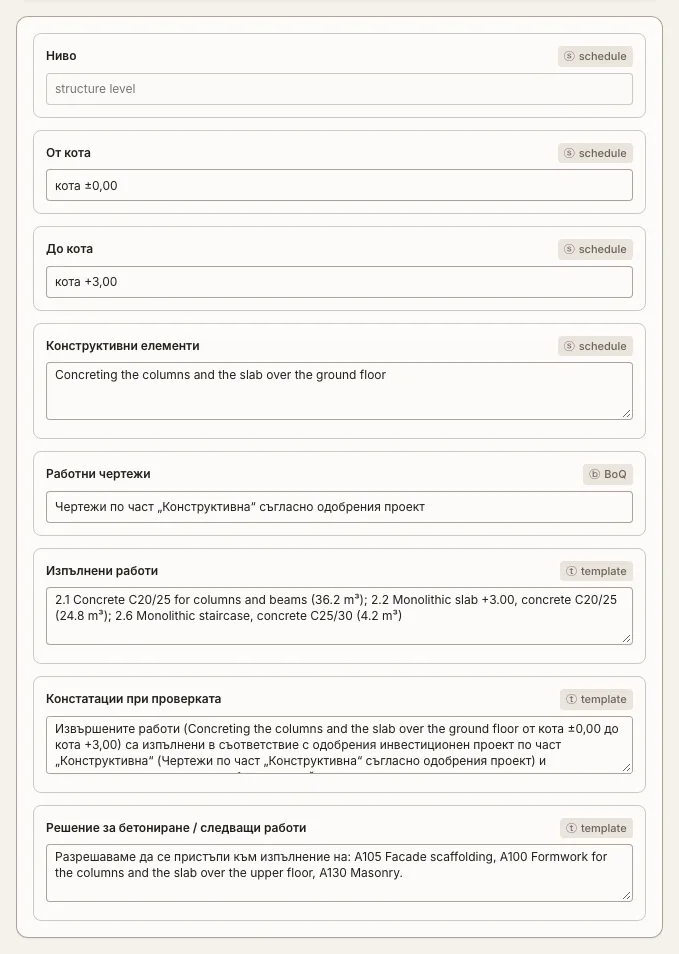
The register lists the acts the schedule calls for; open a draft. Its fields are already filled in, and each says where its value came from.
See where a field came from
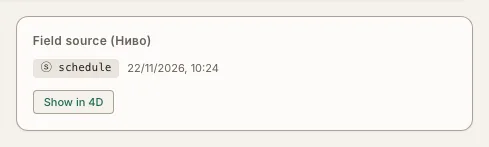
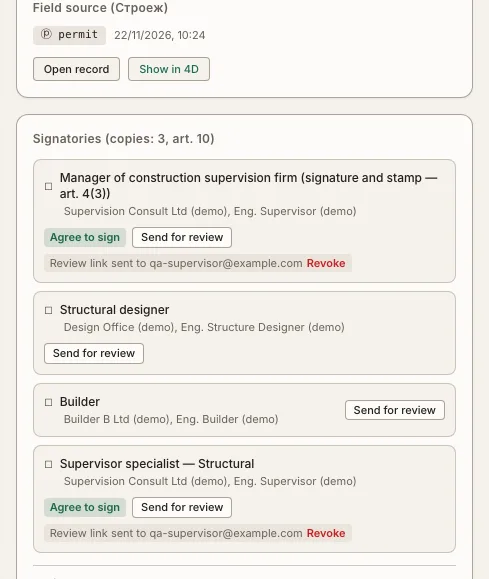
Click the mark beside a field: Field source names the record it came from, such as the permit, the schedule or the progress, and opens it. Change a field, and it shows that a person entered it.
Send it for review
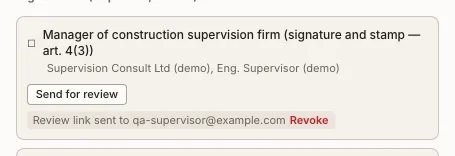
Beside each signatory, Send for review mails a link to the act. The person opens it with a code sent to the same email, without an account.
The supervisor answers
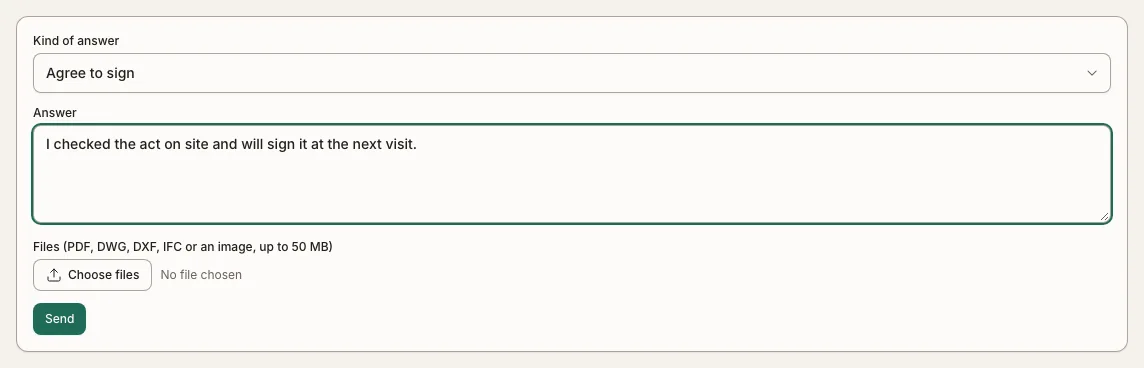
Through the link the supervisor reads the act and answers: Agree to sign, a request for changes or a comment, with files if needed. The answer shows beside their row in the act.
Move it to signing
When the answers are in, Ready for signing locks the text for signing. The list of signatories shows who has agreed.
Record the signing
The act is signed on paper or with a qualified electronic signature (КЕП). The supervisor's page lists it: Sign the act, give the date, add Scanned signed act (the scan or the signed PDF), then Record the signing. A signed act cannot be changed.
