All guidesBill of quantities, offers and costsSheet 4.03
Assumptions, exclusions and alternates on the bill
The offer says what it includes and what it does not, and the household weighs options: another roof, thicker insulation. Both sit beside the bill, each with its price and its reason.
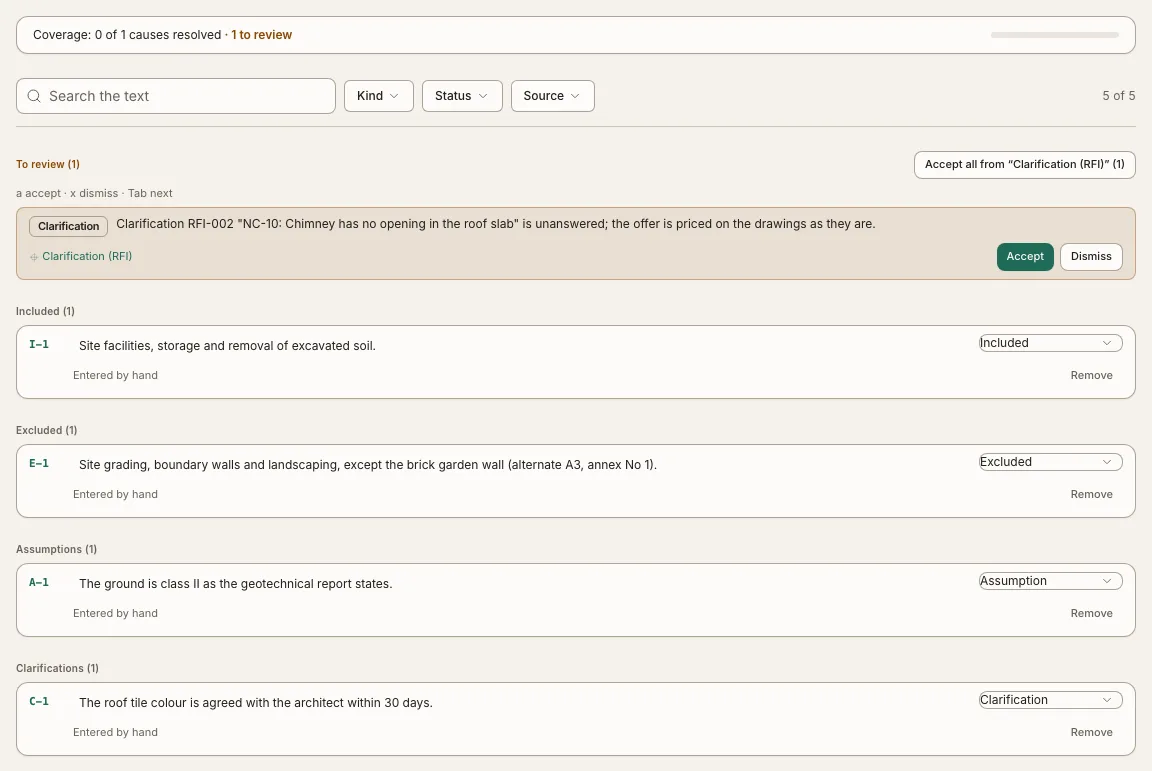
Read the register
In BoQ and offer open Assumptions & exclusions. The entries are in the order the annex prints them: Included, Excluded, Assumption and Clarification. Suggestions drawn from the project's own data sit on top until you accept or dismiss them.
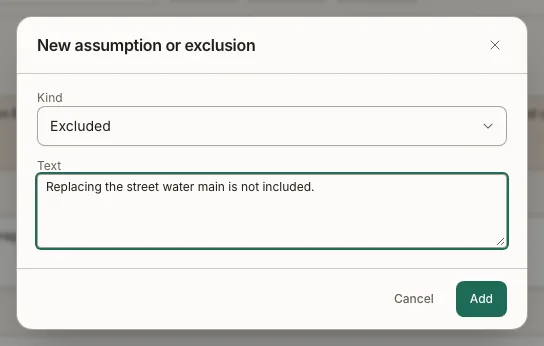
Add an exclusion
Add opens the form: choose the kind, write the text as the builder will read it, and save. The entry joins its group and the annex.
Copy the annex
In the page's More actions menu, Copy as text copies the whole register, numbered as it prints, for a letter or the contract.
Read the price ladder
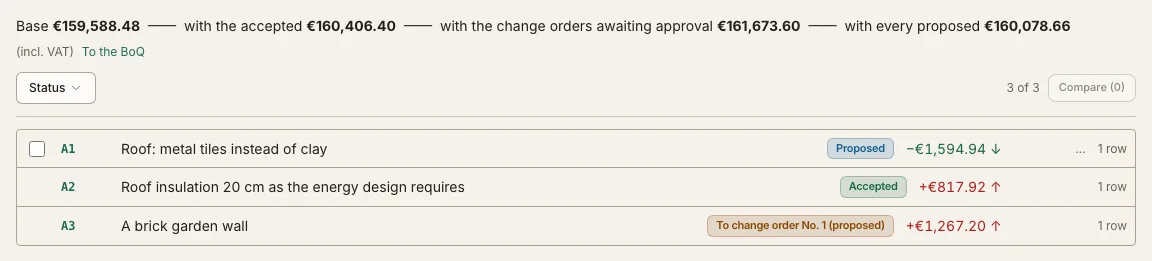
Alternates lists the options on the bill. The ladder on top reads the price with VAT step by step: the base, with the accepted, with the change orders awaiting approval and with every proposed. Below it each alternate shows its state and its change in price.
Open an alternate
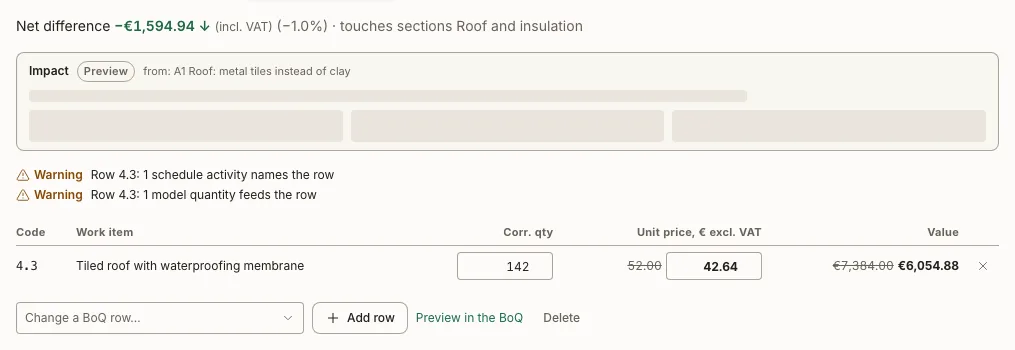
An alternate opens at the side: the bill's rows before and after, what it touches beyond the bill, and the decision. Preview in the BoQ shows the bill as it would be with it.
Decide
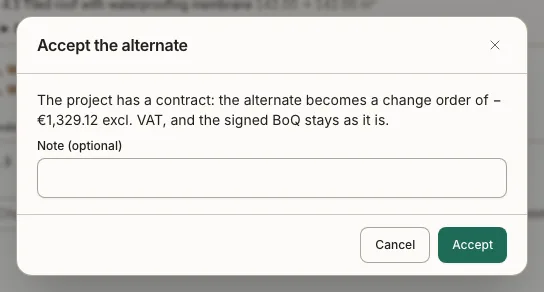
Without a contract an accepted alternate changes the bill. Once there is a contract, the confirmation says the alternate becomes a change order for its difference ex VAT, and the signed bill stays as it is. Reject keeps the alternate out of the bill.