All guidesConstructionSheet 5.03
Report progress from the site
Progress is reported where the work is: a label on each room's wall opens that room's work on the phone. What is reported goes into the schedule, the 4D model and the payment certificates.
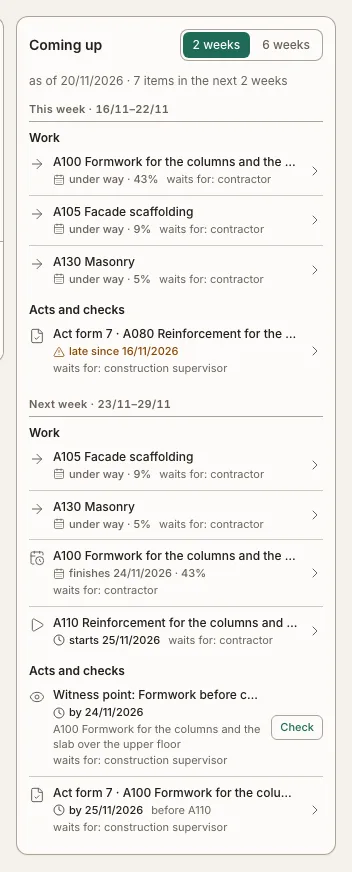
See what comes up
On a phone Schedule opens on Coming up: the work, checks, deliveries and payments of the next weeks. On a computer the Coming up filter shows it beside the Gantt.
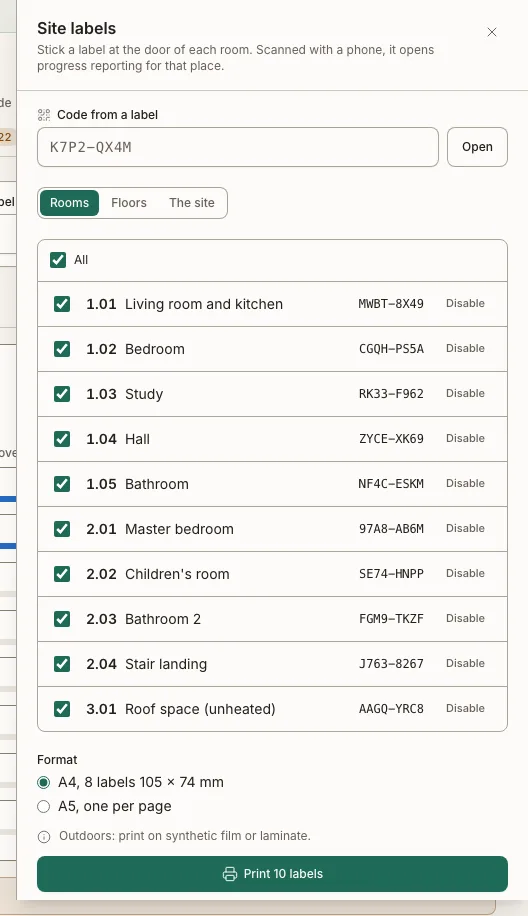
Print the site labels
In Progress open More actions › Site labels…. Choose the rooms and floors and Print; stick each label on its room's wall. Disable stops a lost label working.
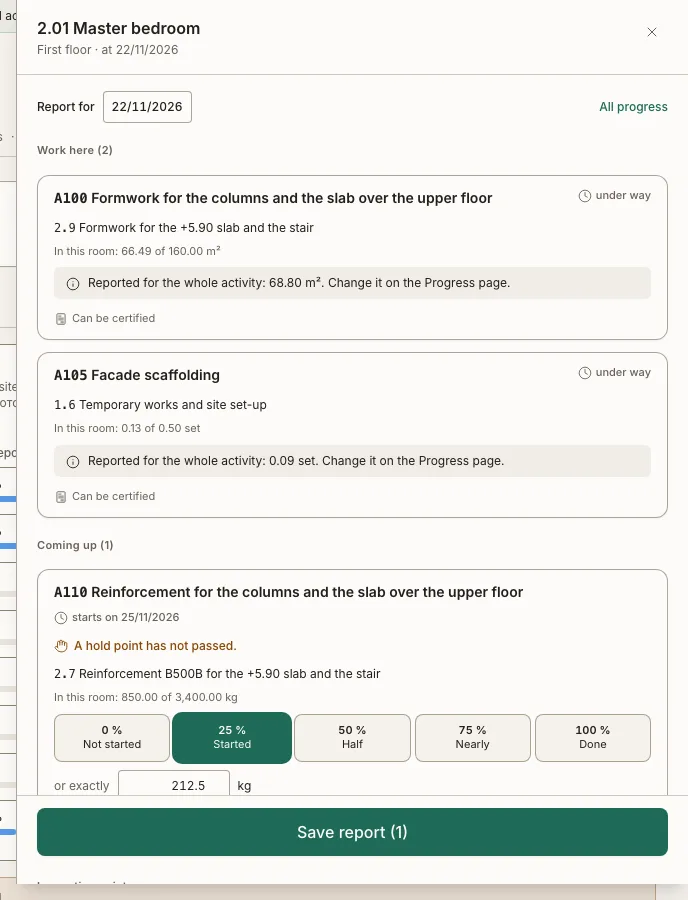
Scan a room's label
The phone's camera opens the label: the room's work under way, coming up and done. Work reported for the whole activity is changed in Progress instead. Mark how much is done with Started, Half or Done. Where the camera cannot read it, type the Code from a label.
Save the report
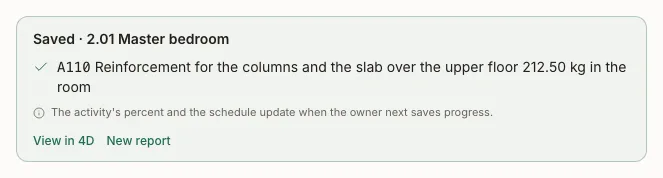
Save report sends it. Without a connection it is kept on the phone and sent later. The card says what was written; the owner's own report also says how the room now looks in 4D.
Enter an activity's quantities
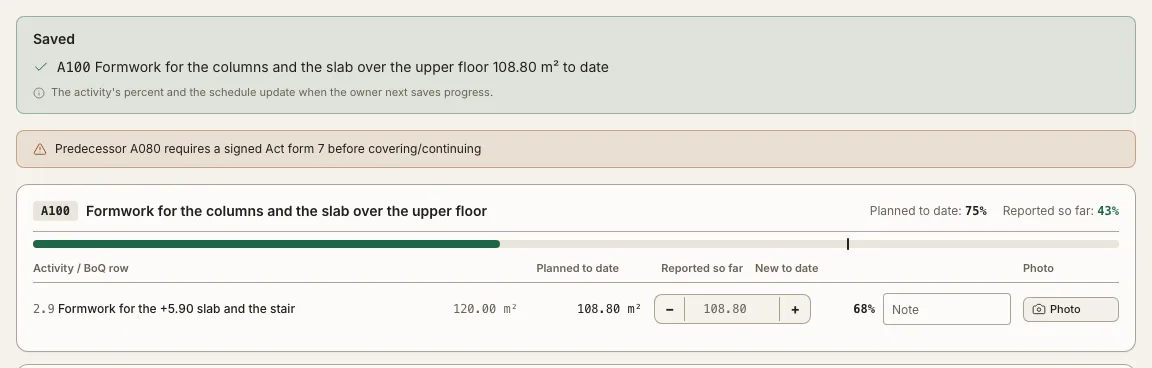
Progress lists the activities with each row's quantity to date. Raise it with + or type it, then save. An activity without quantities takes a percent. The schedule's percent and forecast follow the owner's saves, which take up the supervisor's reports too.
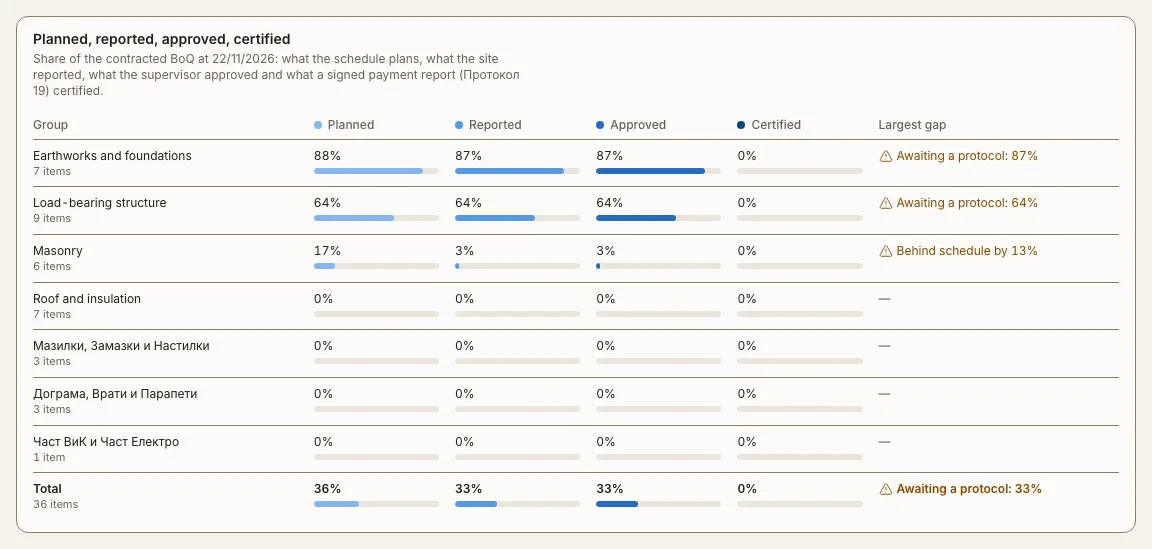
Read planned against reported
Planned, reported, approved, certified sets, row by row, what the plan expects by the day against what was reported, approved and certified in a payment certificate.