All guidesBill of quantities, offers and costsSheet 4.05
Put a package out to tender and award it
A package gathers the bill's rows one company will build. Each invited company gets a form with the same rows and quantities, so the bids compare row by row.
Open the package
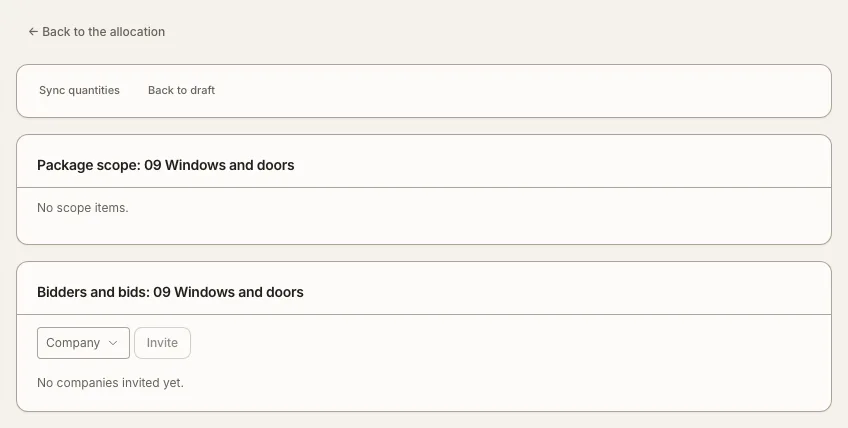
In Packages choose the package. On the right are its dates, its scope and its bids. In the example the windows and doors package is already out to tender with two bids.
Invite companies
Choose the Company and press Invite, then Issue form. A company whose person is a member of the project sees the form itself. For the other, Send link e-mails a link that needs no account.

A member's bid
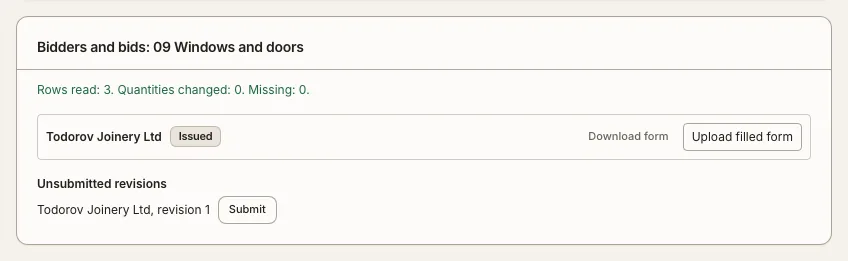
The bidder opens Packages, presses Download form, fills in the unit prices in a spreadsheet and returns it with Upload filled form. The bid is read row by row and sent with Submit. The other companies' prices and the owner's are not shown to them.
A bid through the link
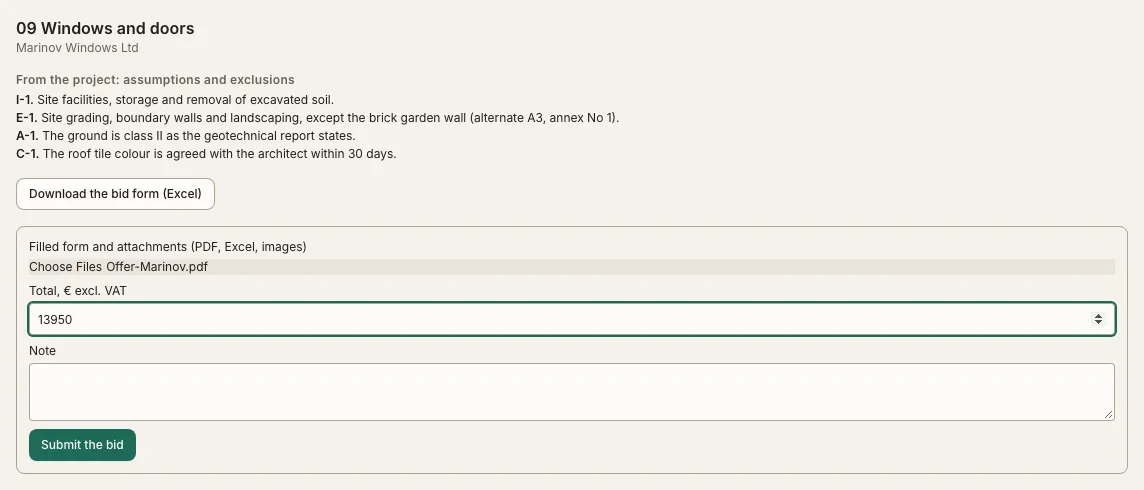
The company without an account opens the link from the e-mail, asks for a one-time code and enters it. On the tender's page it uploads its offer and writes the total ex VAT; the form can be downloaded there too.
Compare the bids
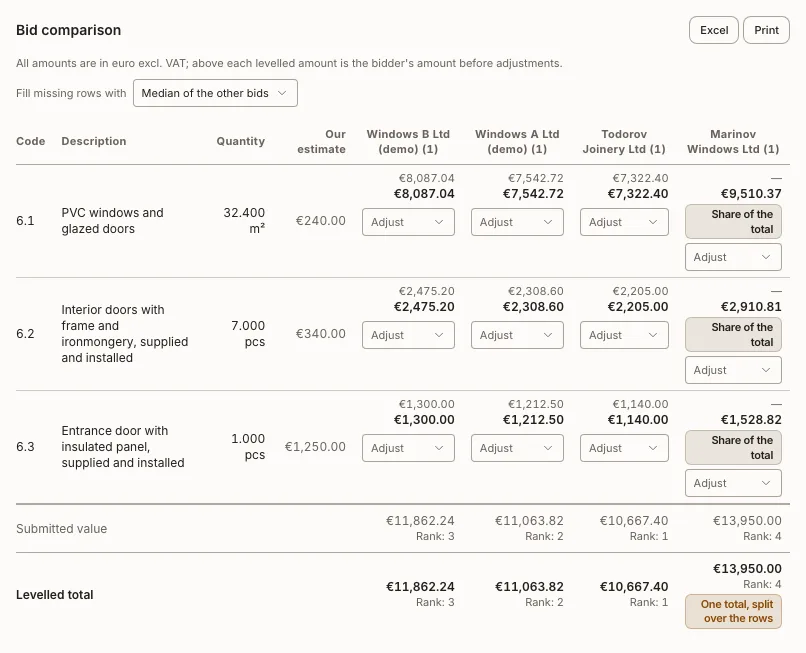
Back with the owner, the table sets the bids side by side along the bill's rows, with their totals and their ranking. Above the table choose how missing rows are filled; a bid given only as a total is split over the rows.
Award
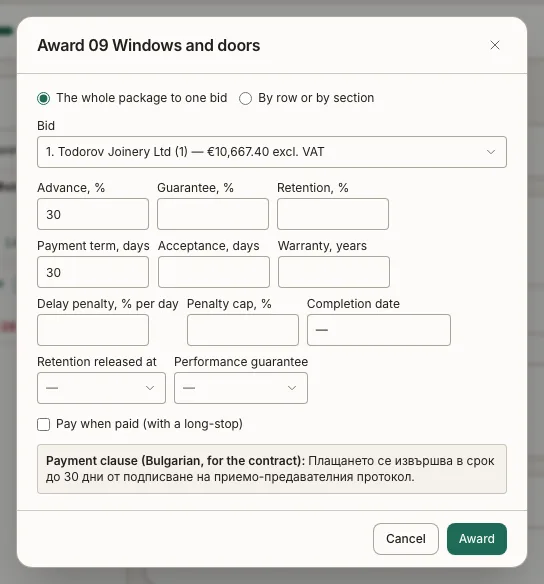
Award opens the award: choose The whole package to one bid or By row or by section and the bid, fill in the payment terms and confirm with Award. The package is awarded.