All guidesBill of quantities, offers and costsSheet 4.08
Walk the home in 3D and try the finishes
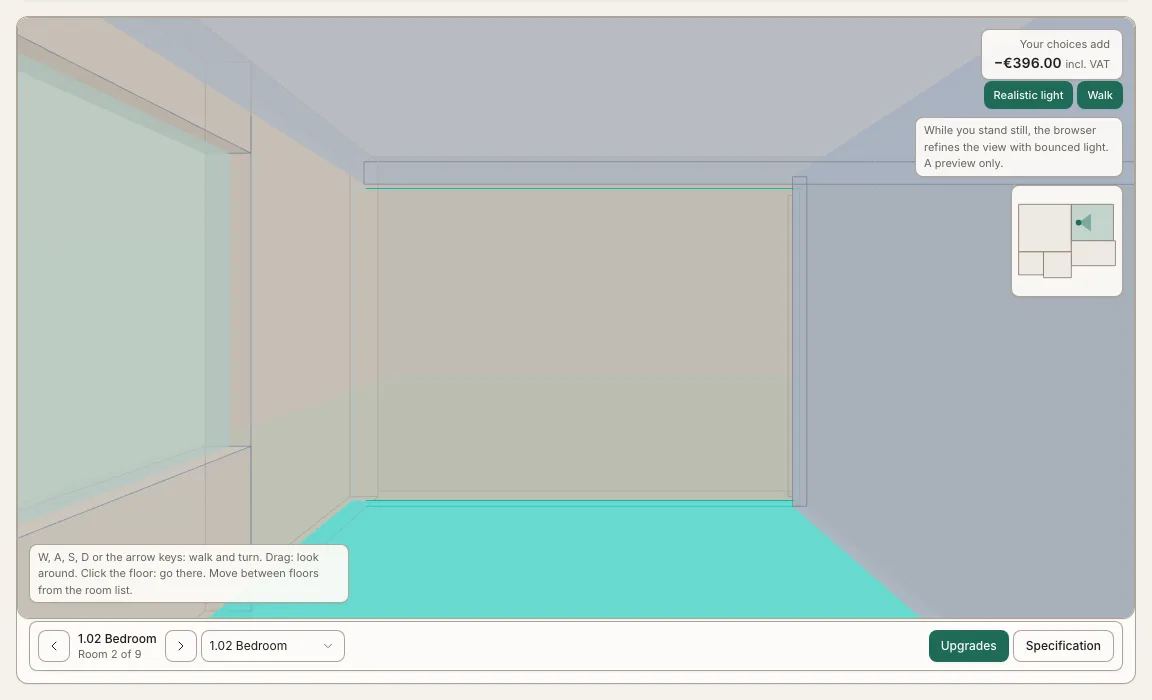
The tour shows the unit from its 3D model, with the finishes the bill holds. The choices' options are tried in place, with the price they add. Trying decides nothing: the choice is made as in Let the buyer choose, and turn it into an annex.
Open the tour
In Selections press 3D tour. The tour starts at the first room's door; Next room and Previous room go from door to door, and the Room list beside them opens any room, the other floor's too.
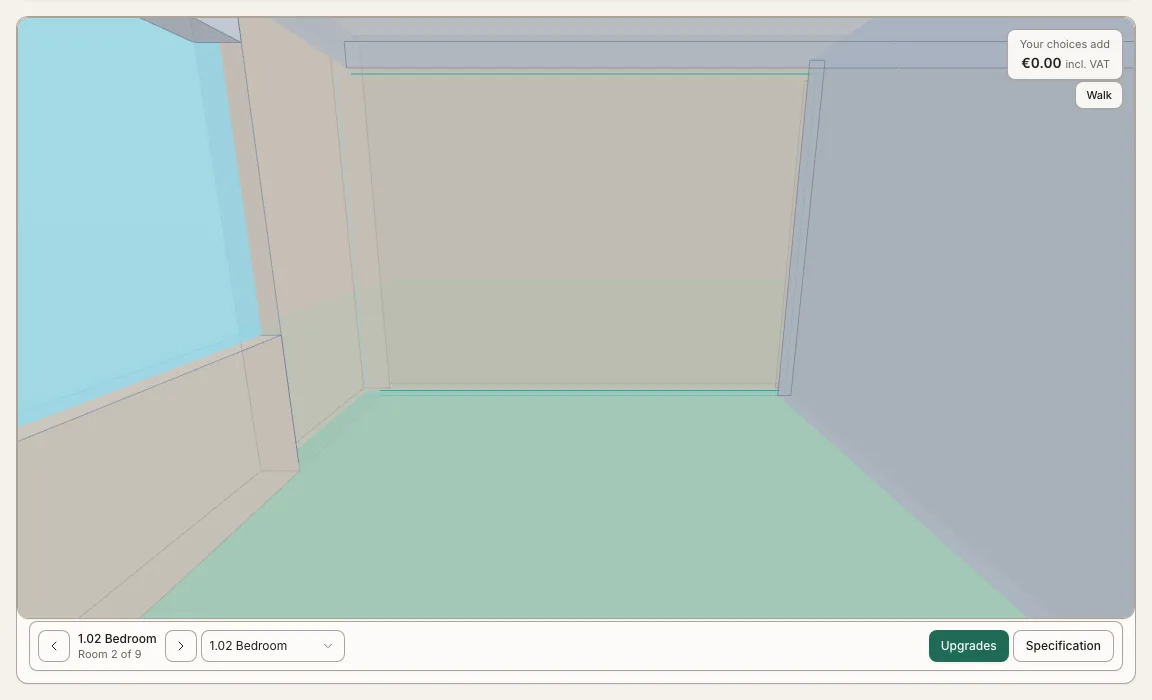
Walk around
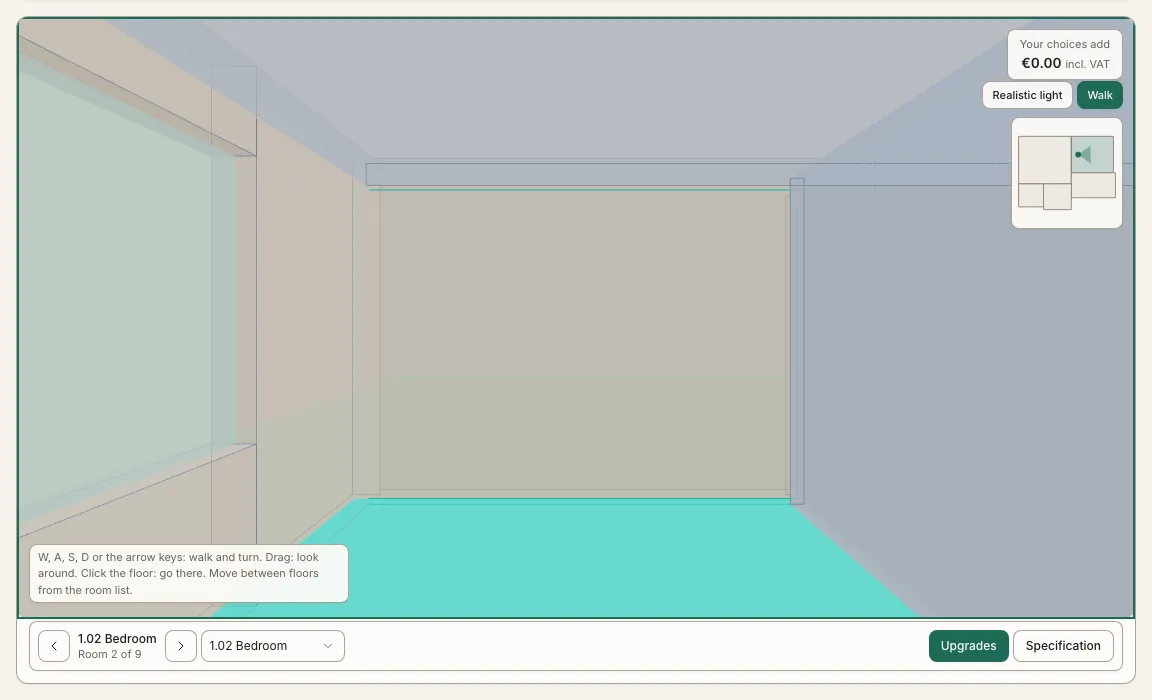
Walk starts free walking: W, A, S, D or the arrows to move, a drag to look. On a phone, the stick at the bottom left. A click on the floor takes you there. Walls hold, and the Map of the floor in the corner shows where you are.
Try an option
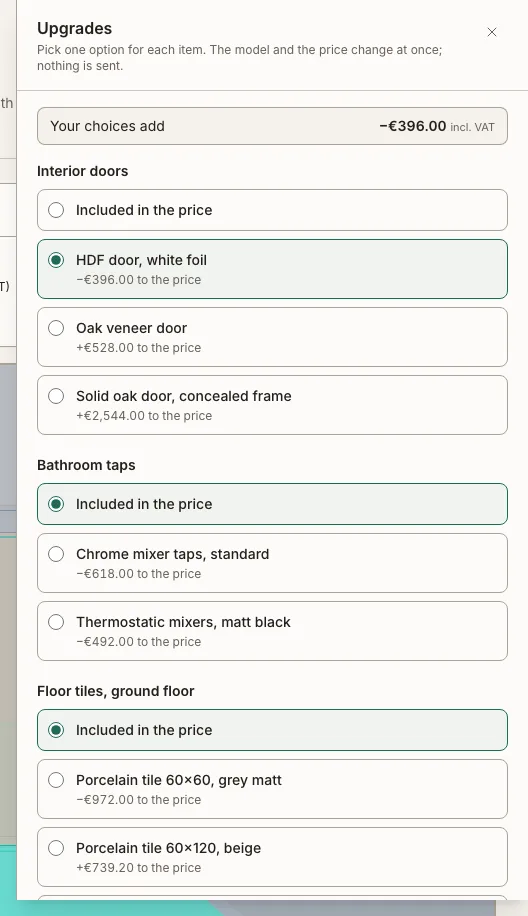
Upgrades lists the options of the choices still open. Pick an option: it shows in place, and the top says how much it adds to the price, or takes off. Included in the price brings back what was planned.
Realistic light
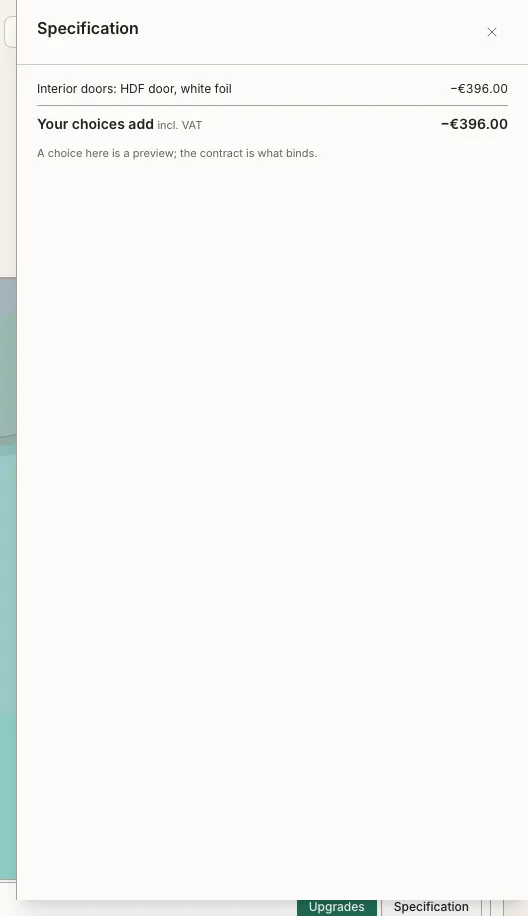
On a computer, Realistic light works the light out bit by bit while you stand still; moving brings back the quick picture. A phone, or reduced motion, does not have it. The baked light follows the site: once the house is placed on its plot, the next bake takes the sun as it stands over it.
The buyer's tour
The buyer opens the same tour from their link, with 3D tour. With reduced motion set on the device, a click on the floor moves at once, without animation. Specification gathers what was tried; choosing here is for viewing only.