All guidesBill of quantities, offers and costsSheet 4.09
Publish a unit's sales page and answer inquiries
A unit's page shows its price, rooms, finishes and 3D tour to anyone with the link, no account needed. Publishing is part of the Business plan. This is not legal advice: the seller is responsible for the inquiries' data, and the form shows its notice.
Needs the Business plan
Ready the unit
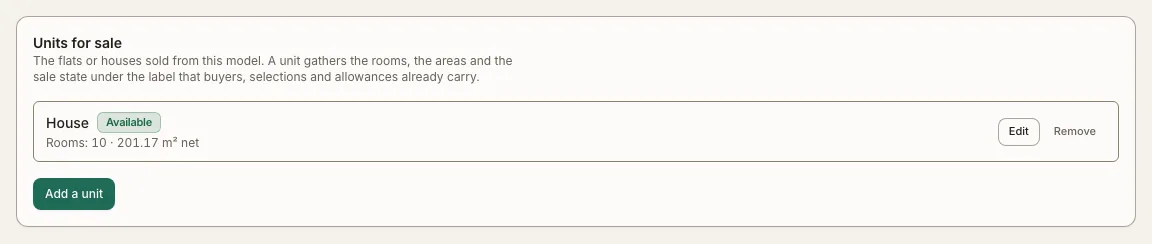
In Settings › General › Units for sale press Edit beside the unit. Choose its rooms, its areas and its Sale, then Save the unit.
Write the page
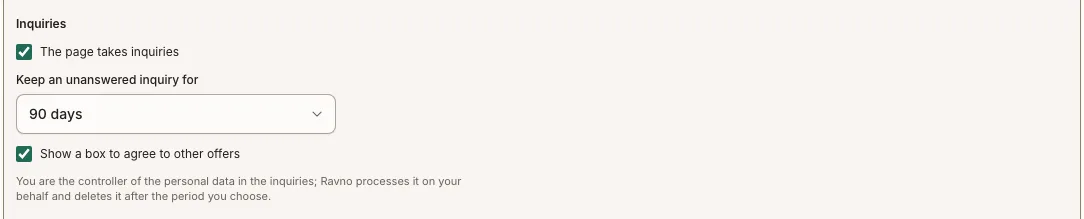
In Selections › Unit pages press New page. Fill in the price incl. VAT, what it leaves out, the headline and the summary, and under In English the same in English. The seller is named with its name, EIK and address. Images offers the project's finished visualisations. Show which way it faces adds which way the unit's windows look, once the owner has placed the house on its plot (Follow the permit procedures). Last, switch on The page takes inquiries and choose how many days an unanswered inquiry is kept.
Preview it
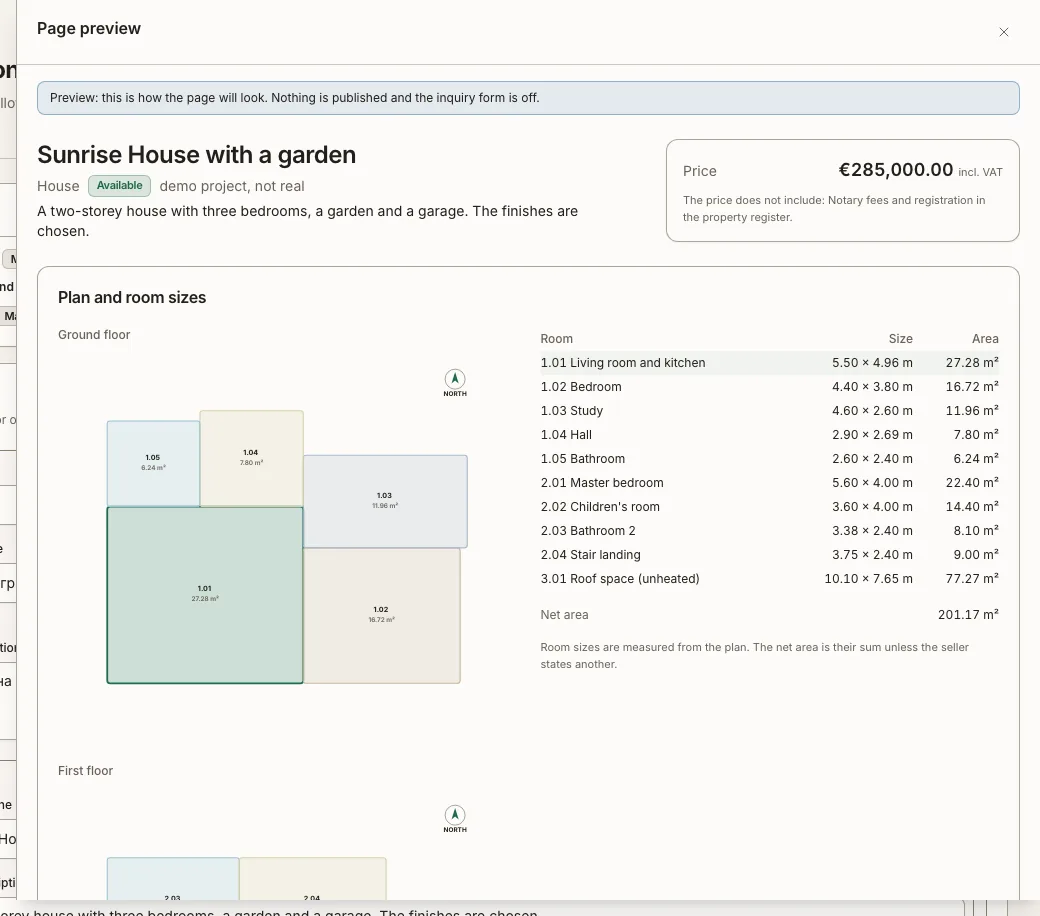
Preview shows the page as a visitor will see it. Nothing is published, and the inquiry form is off.
Publish it
Publish opens the page to anyone with the link, for the period chosen in Live for. Copy the link copies it, Open shows it, and Stop closes it.

The visitor's inquiry
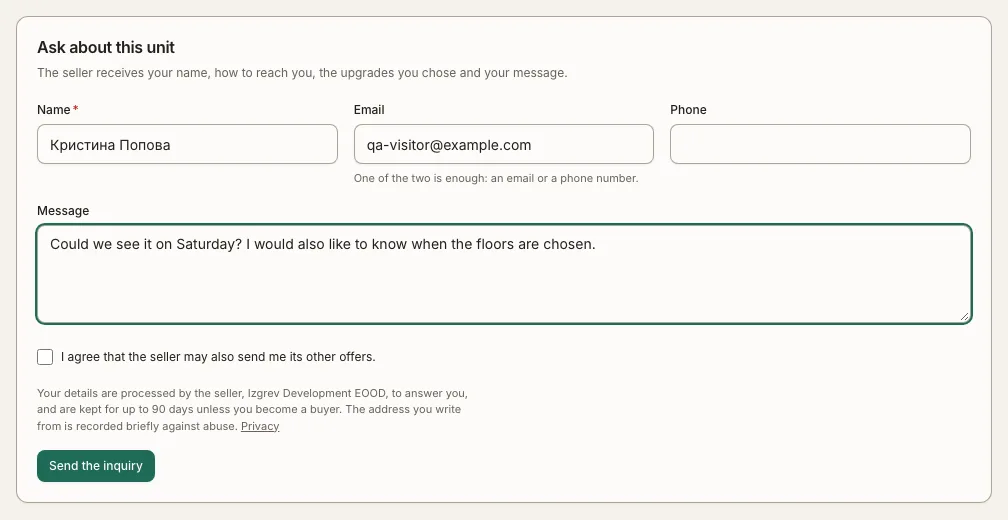
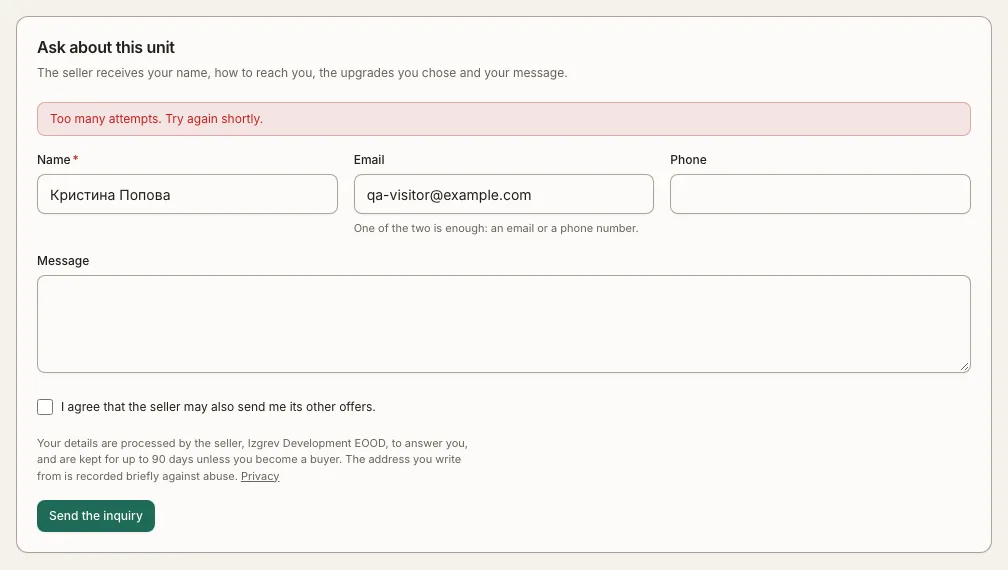
The visitor picks a finish, sees the price with it and writes in Ask about this unit. A name and an e-mail or phone are enough. Below the form it says who handles the data and for how many days it is kept. The seller gets an e-mail, at most once an hour.
Read the inquiries
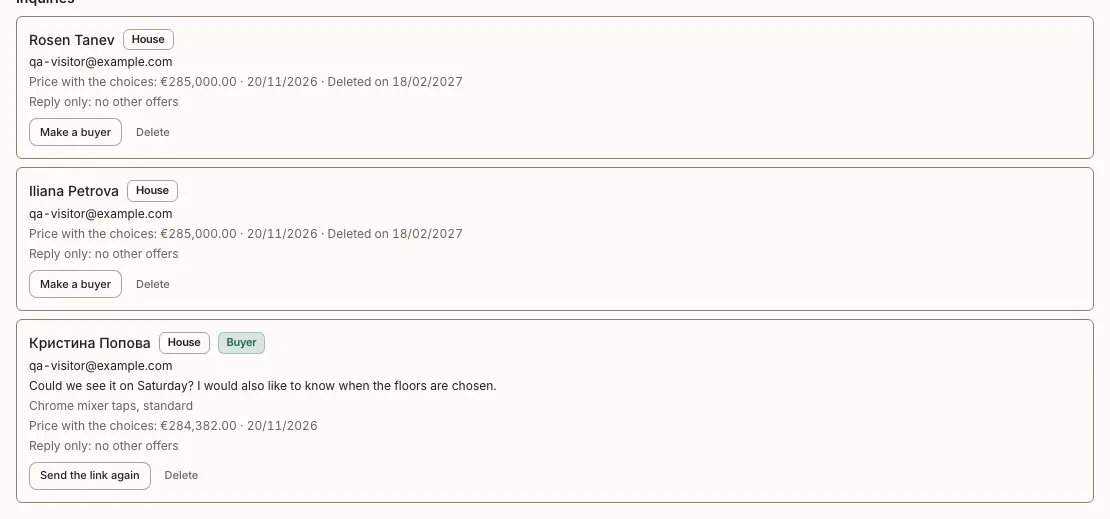
Inquiries in Selections shows who wrote, how to reach them, what they chose, the price with it and until when the inquiry is kept.

Make them a buyer
Make a buyer makes the sender the unit's buyer and sends them the link to the selections; they open it with a code from the e-mail. The button is there only for an inquiry with an e-mail; for one with a phone only, add the buyer by hand. A buyer's inquiry stays after the period ends.

The limits against spam
Up to five inquiries an hour are taken from one IP address, and a page takes up to 50 a day in all. Past them the visitor is told to try later.
Delete an inquiry
Delete removes an inquiry for good. An unanswered inquiry is also deleted on its own when the period chosen for the page ends.
By plan
On the Professional plan the page is only previewed, not published. On the Home plan it is not offered. During the trial of any plan, Business included, the page is also only previewed.
