All guidesAI and phoneSheet 7.02
Record the site with your phone
Ravno Site is the iPhone app for the site. It pairs with one project and your access in it, and shows only what your role records. Everything you record is kept in the phone and sent once there is a connection. Choose its language in Profile. The main contractor walks it here.
Ask for the phone's code
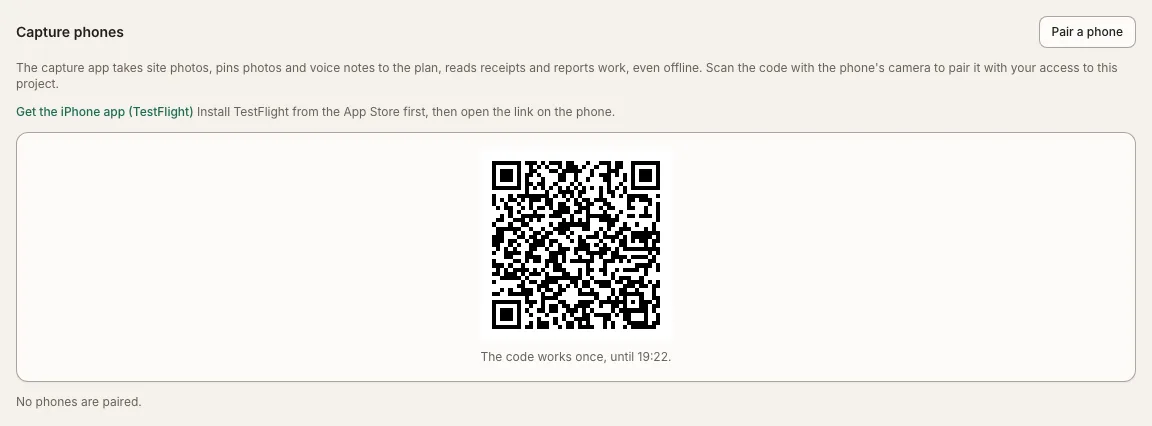
In the project's settings, under Phones, Pair a phone shows a QR code. It works once and for a few minutes; the paired phone then appears in the list below it.
Pair the phone
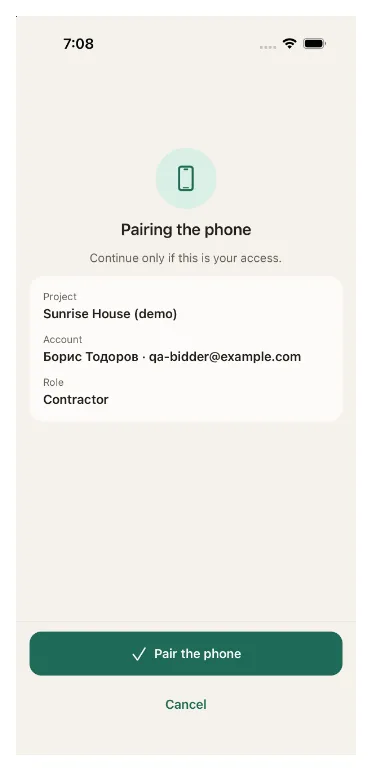
Point the phone's camera at the code and open the app. It shows the project, the account and the role: pair the phone only if this is your access. Without a camera, Sign in with email sends a code to your address.
The start: what you record
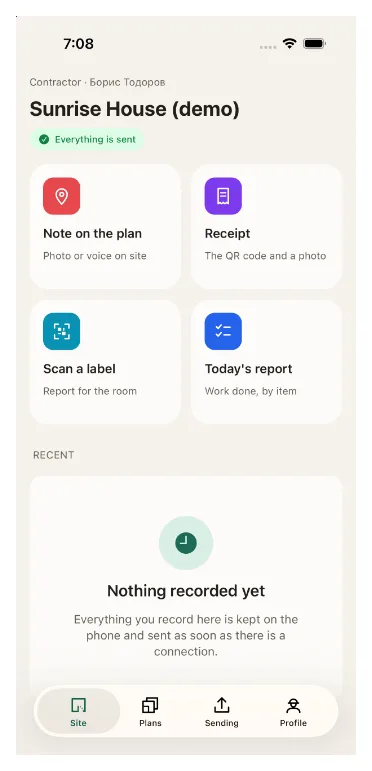
Site shows what your role records and your latest records. At the top it says whether everything is sent. The plans are kept in the phone, so they work without internet too. The owner also records warranty defects here (Hand over the house and claim warranty defects).
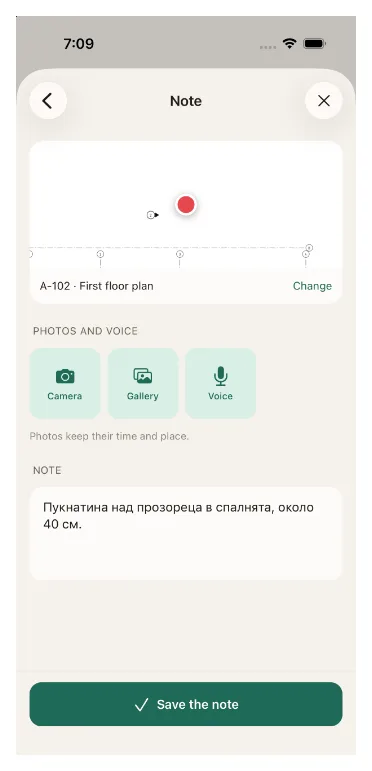
A note on the plan
Note on the plan: choose the sheet, tap the spot and write what you see, with a photo or your voice if you like. Pinch to zoom the plan. The note reaches the project with its place on the plan.
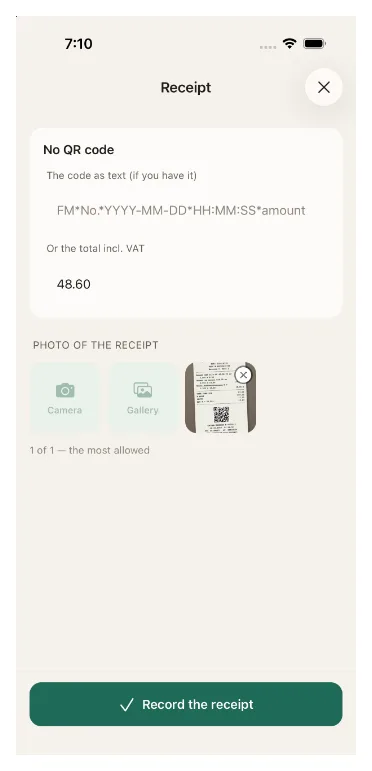
A receipt
Receipt reads the QR code of a fiscal receipt. Without a code, choose No QR code, enter the total with VAT and add a photo of the receipt. In the web app you allocate it to rows (Follow commitments, invoices and receipts).
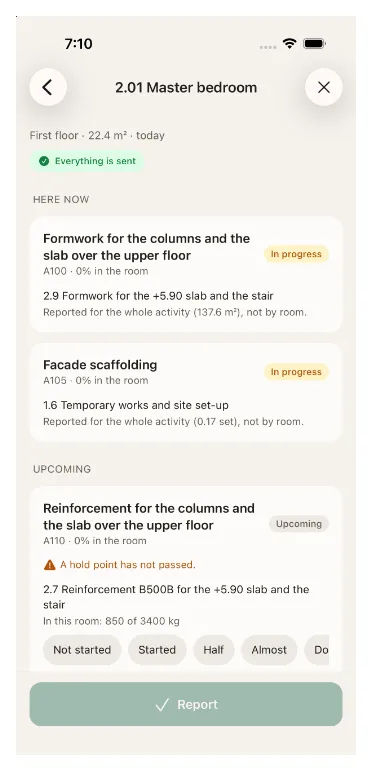
A room's work from its label
Scan a label reads the QR code of the room's label; when the camera cannot, Type the code takes the code printed under it. It opens the work in that room, to report what is done (Report progress from the site).
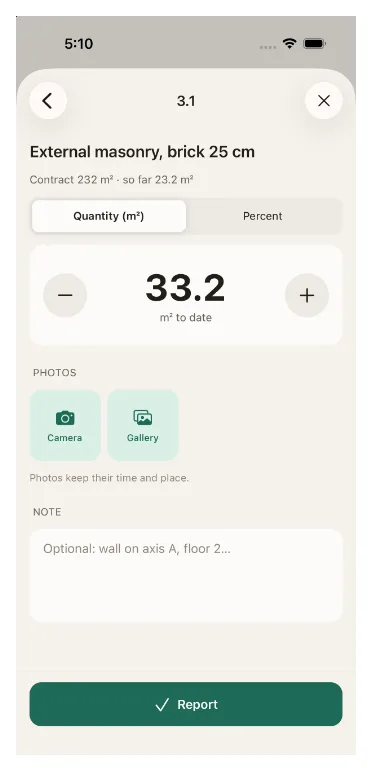
The day's report
Today's report lists the rows awarded to you. Open one, enter what is done to date, as a quantity or a percentage, and report it; the report waits for the supervisor to accept it.
Without a connection
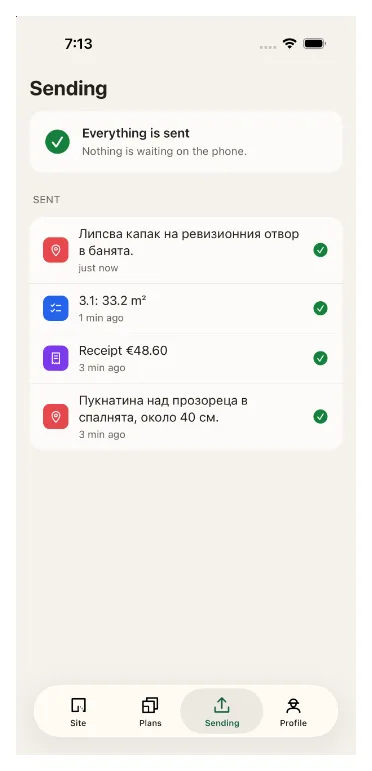
Without internet you record as usual. What you record waits in the phone, and the top says how many records wait for a connection; Sending shows each one.
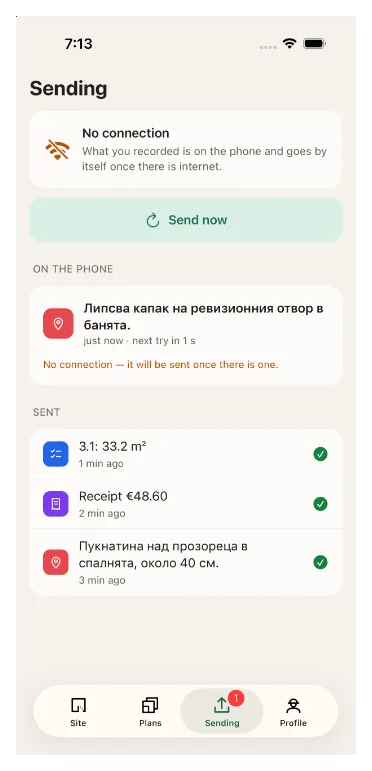
Sending
Once there is a connection the app sends by itself; Send now does not wait for the next try. A record that fails stays, with Try again and Discard.