All guidesBy roleSheet 6.01
The project as each invited role sees it
Everyone you invite (Invite your team and choose what each one sees) opens the project on a first page made for their role, and sees only what the role needs. A bidder and a designer answer through a link, without an account: see The builder's offers: versions, reconcile, contract and Ask the designer and record the answer.
A family member
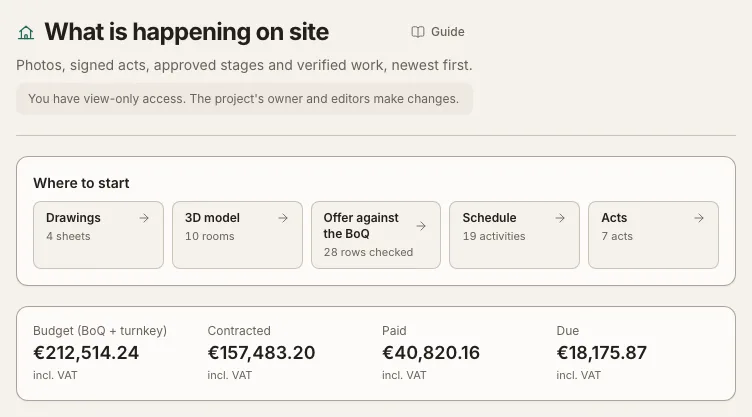
A family member invited to watch reads a feed, newest first: site photos, signed acts and approved permit stages, with the budget and what is paid unless you turn their prices off on the people page. They change nothing.
The contractor
The contractor sees the rows of their own contract, not your prices or other offers. Each day they enter how much of a row is done, with a photo and a note, and add their receipts; their claims for payment are in Certify payment with Protocol 19.

The construction supervisor
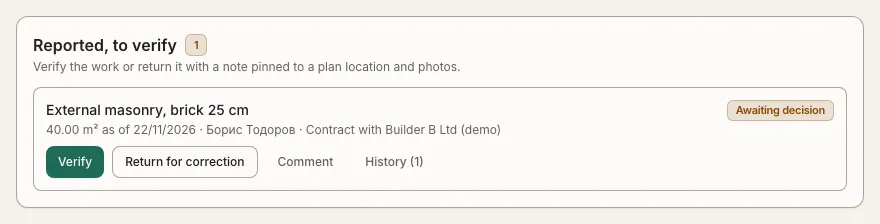
The supervisor's page gathers what waits for them: the contractors' reports to confirm or return, acts to sign and receipts to review, without your prices. Their work is in Inspect the work, and settle non-conformances and Prepare and sign acts.
The documentation controller
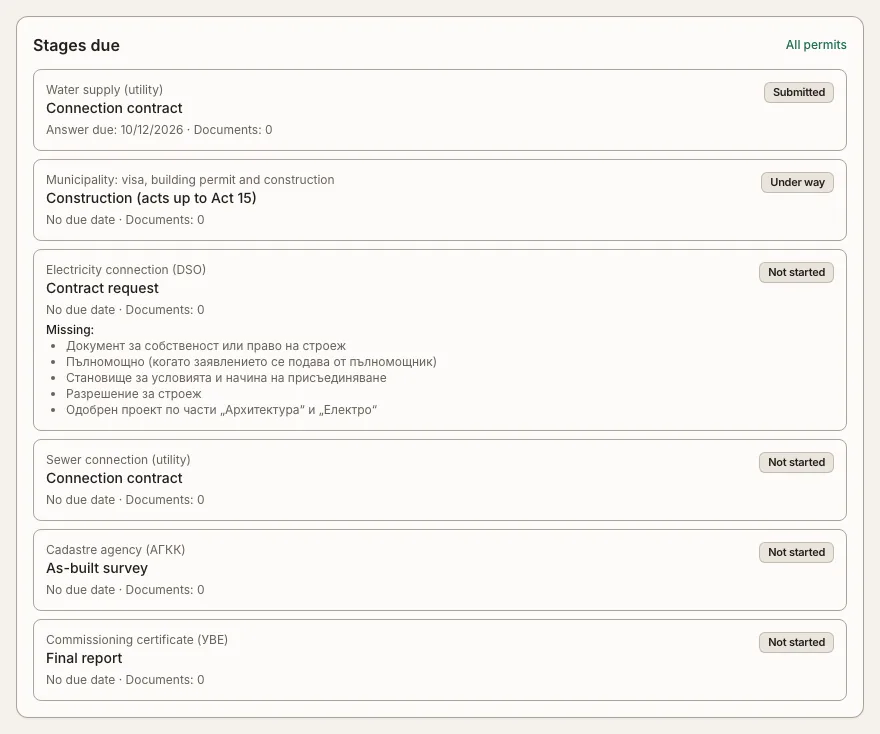
The documentation controller sees the drawings, the acts and the permit procedures, with the stages that need acting on first. Their work is in Follow the permit procedures.